Resize, crop, convert
82 ready-made sizes for social media, online stores, app icons and print. Pick a target size in KB and the quality is found for you.
Runs on your device. Nothing is uploaded.
Resize, crop, convert and compress. Remove a background, enlarge a small picture, read the text in a screenshot. All without sending a single pixel to a server.
A free account takes a minute. Works in Chrome, Edge and Brave.
·
One click from the web store.
A free account takes a minute.
Drop a file, paste with Ctrl+V,
or pick one from a web page.
Edit, preview the result,
then download or copy it.
The everyday tools are free. The heavy ones use AI on your own computer.
82 ready-made sizes for social media, online stores, app icons and print. Pick a target size in KB and the quality is found for you.
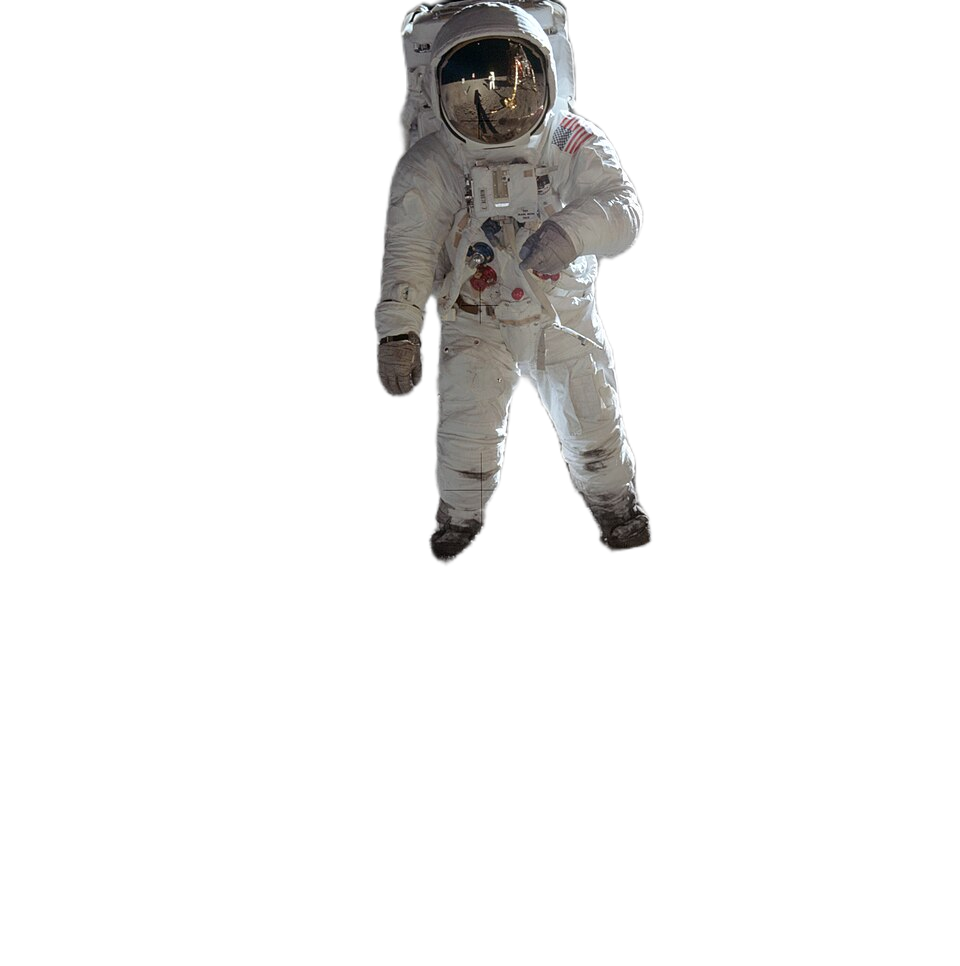
One click cuts the subject out of any photo and saves a transparent PNG. Works on people, products and animals.
Make a small picture twice as large with real detail, not a plain stretch. In the Editor and for whole batches.
Read the words in a screenshot, a sign or a scanned page and copy them as text. 13 languages, Arabic included.
Apply the same edits to a whole folder of images, then download them together as a ZIP. Each image can keep its own settings.
Capture an area, the visible screen or the full page, and find every image on a page in one list.
One press removes the transparent edges or the plain border around a picture. In MultiEdit, every image gets its own crop.
Add text in any language, arrows, shapes and your logo. Blur or pixelate a region. Everything is drawn into the result.
Save your own sizes once. They appear on every device you sign in on.
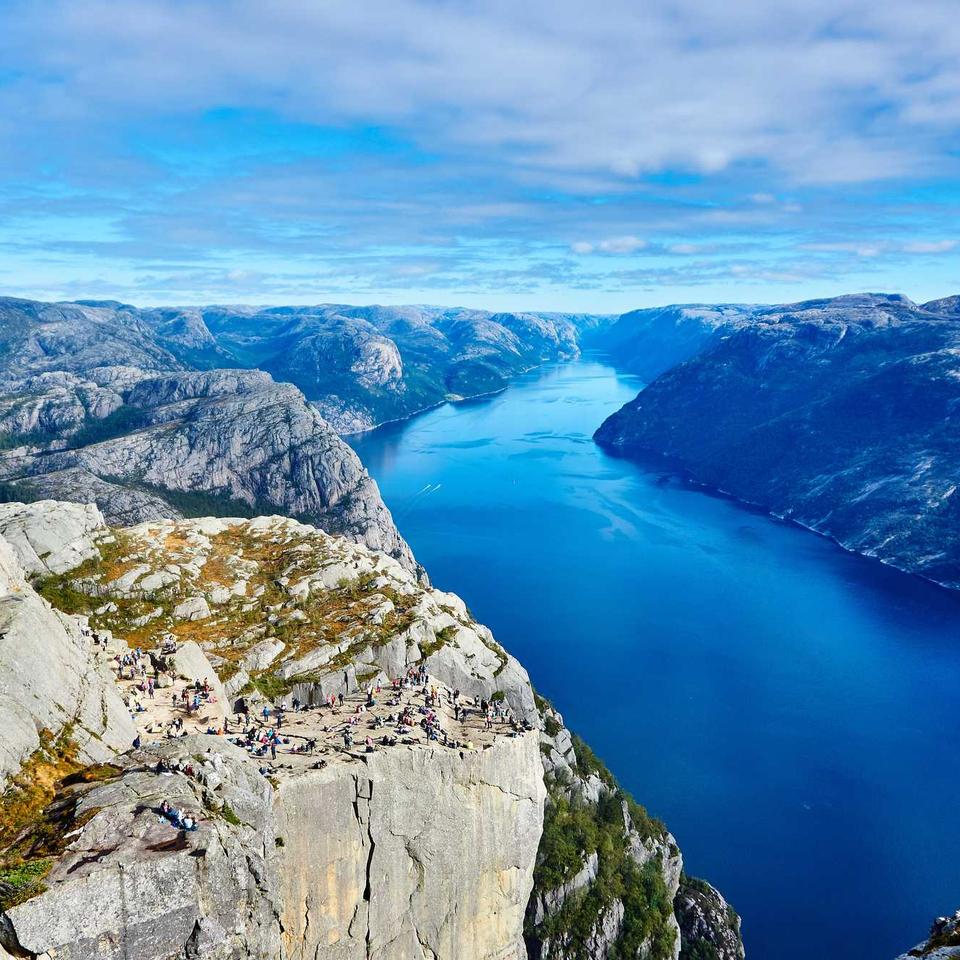
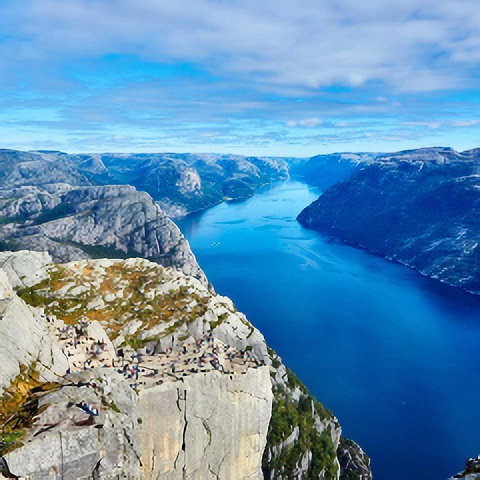
Enlarge ×2 adds detail instead of stretching pixels. Example: 240 × 240 becomes 480 × 480.
Tick as many as are in the picture. Each language is a small one-time download.
Everything runs inside your browser. The AI tools download their model once, check it against a fixed checksum, and then work offline. We cannot see your images, because they never reach us.
Free covers everyday editing. Pro removes the daily limits and adds page tools.
$0
$4.99 / month
or $49.99 a yearSave 2 Months
Invite a friend and get 30 days of Pro when they become a customer.
| What you get | Free | Pro |
|---|---|---|
| All core tools: resize, crop, convert, text and shapes | ✓ | ✓ |
| AI tools: remove background, enlarge, remove and fill, read text | 3 a day each | Unlimited |
| Pictures in one MultiEdit batch | Up to 5 | Any number |
| Capture any page and find all its images | — | ✓ |
| Saved presets on every device | — | ✓ |
| Signed-in devices | 1 | Up to 3 |
| Priority support | — | ✓ |
| Price | $0 | $4.99 a month, or $49.99 a year |
Make a small picture twice as large, with real detail instead of a plain stretch.
Read the words in a screenshot or a scan and copy them as text, in 13 languages.
The Free plan can now sign in too, and the Free button shows what it includes.
No. Editing, the AI tools and text reading all run in your browser on your own computer. The only thing downloaded is an AI model, once, after you agree.
For the AI tools, yes: a free account, which takes a minute and needs no card. It keeps your daily free runs fair and the same on every browser. Editing, converting and cropping work without one. Pro, synced presets and your invite link also use the account.
Chrome, Edge, Brave and other Chromium browsers.
The tool tells you before it starts and offers Pro. Your free runs come back the next day, the same on every browser.
Yes for editing, converting, cropping, text and shapes: they never need the internet. An AI tool needs a one-time download of its model (text reading downloads each language once). On a Free account it also checks your runs for today with the server, so it needs the internet. Pro keeps working offline for a while.
Yes. You keep Pro until the end of the period you already paid for. Your pictures and presets are not deleted.
Write to us from the contact form within 14 days of paying and we will refund you. The full rules are on the Refund page.
Your email address, your plan, how many AI runs you used today and the network address you signed up from (to stop abuse), once you sign in. We never receive your pictures, and the extension asks the server nothing unless you are signed in.
A question, a problem, or an idea for the next feature. Write to us and we will answer by email.